Drawing an Image with a UR5 using ROS and OpenCV
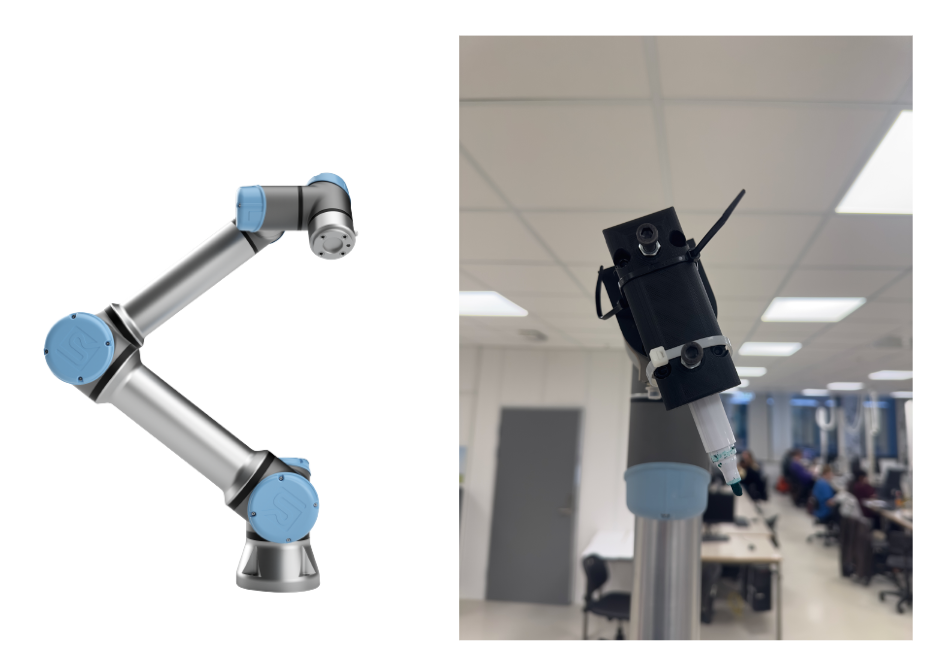
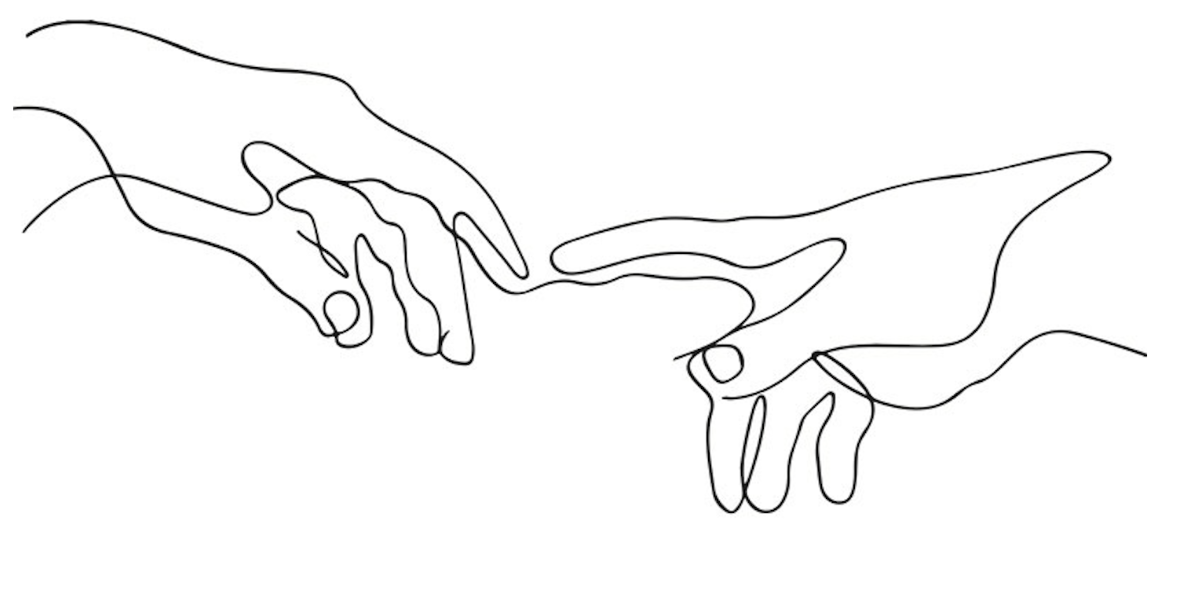
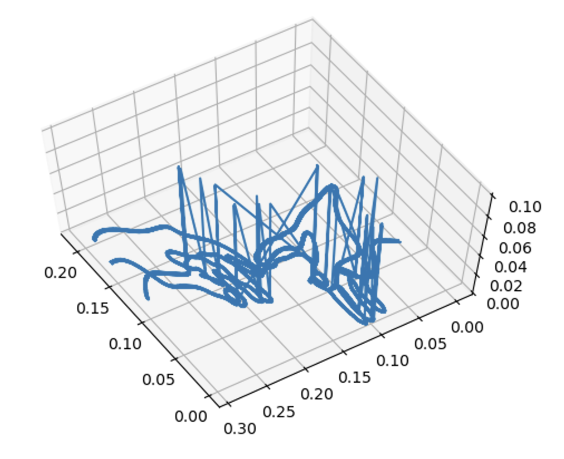
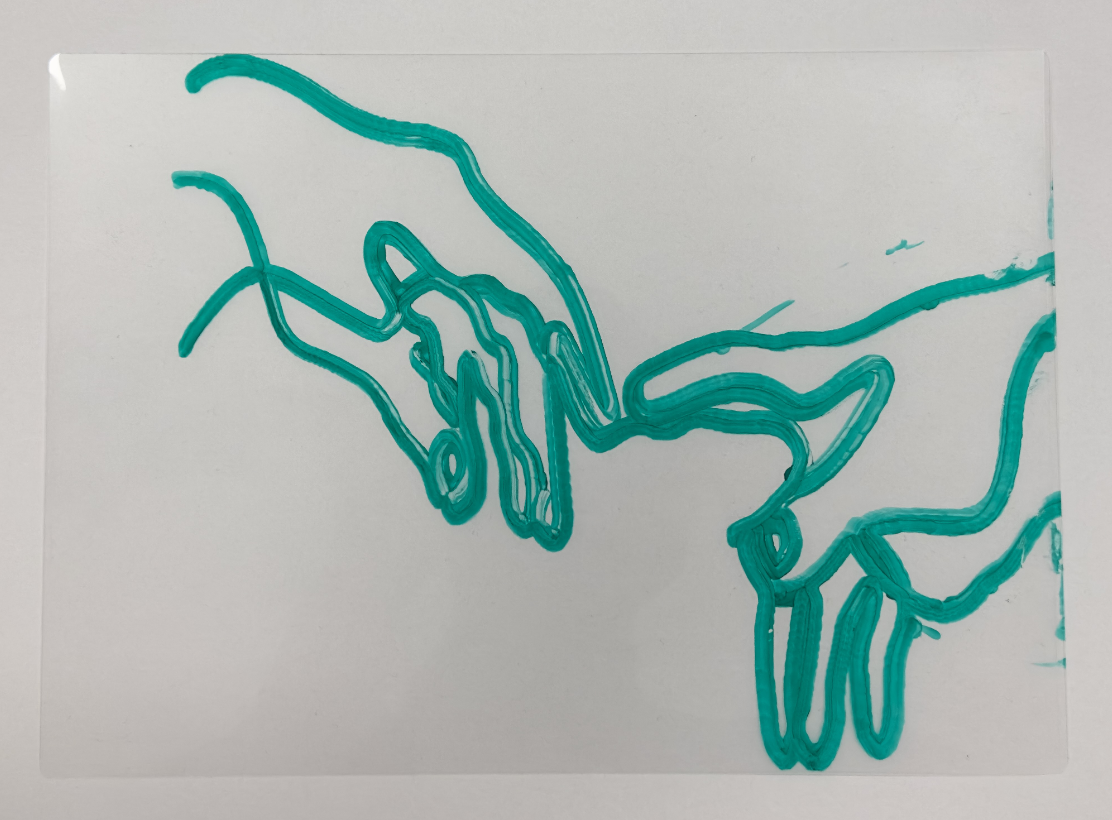
During my exchange semester in Norway at the University of Agder (UiA), I took the Robotics course. The course focused on the concepts of industrial robot kinematics and path planning. For the final project, two fellow students and I programmed a UR5 robot to draw a picture with a marker on a sheet of plastic. The project involved setting up the ROS environment on Ubuntu 20.04, write a script which configures the robot with its tooltip, robot stand, boarders and coordinate system and programming the image processing pipeline using OpenCV to convert a black and white image to a path. First, the image is loaded and using edge detection an outline of the image are calculated. We then convert the outlines to shapes and calculate a single path for the robot. The path is then feed to our configured UR5 where it is executed. Before running the program on the physical setup, we tested the entire procedure in a simulation using Gazebo.
Results
The UR5 and the tooltip used:
The reference image used for the project:
The Path planned by the algorithm:
The final result:
Read the full report here